
MASON ARCADE
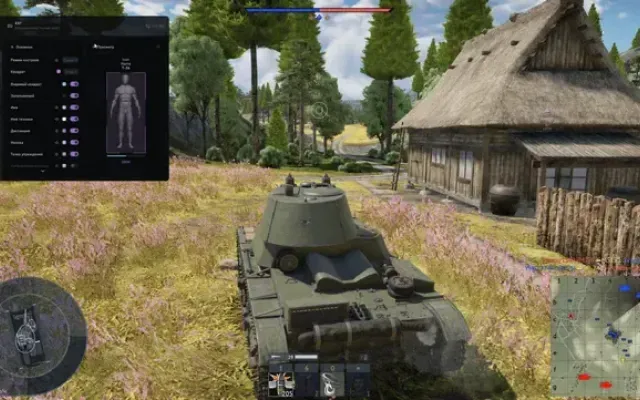
ESP works when opponents are in zasvet (the game mechanics are such that the appearance of a model of enemy equipment and its display on the client screen is controlled by the server, which receives data from the player's camera from the client: coordinates, viewing angle, gaze direction, and so on. The server performs calculations, based on the results of which it determines whether the player can see a particular model of equipment)
Arcade steering mode / Allows you to use arcade controls in the simulation mode of the game (on planes and helicopters)
Show ballistic crosshair / Display the crosshair where the projectile arrives (tanks only)
Unlimited ballistic cross Removes the limit on the range of the arcade (ballistic) sight, allowing you to adjust shots at even greater distances
Hud aim prediction / Enable the game's own engine prediction
Hud rocket indicator / Enable rocket firing indicator
Hud ship indicator / Enable ship display indicator
Gunner cam from sight / Enable hiding the gunner's camera
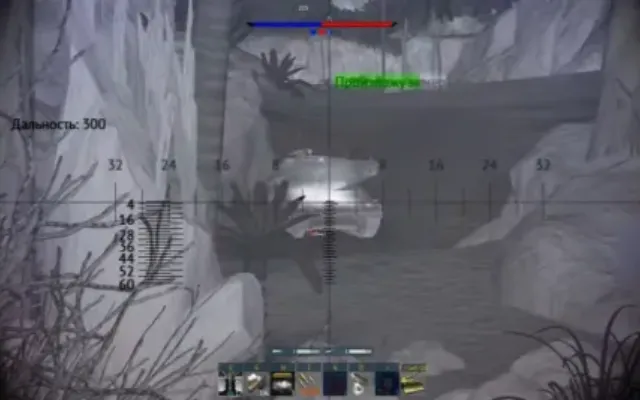
Vehicle outline on aim / Display the outline around vehicles that are in the scope
Zoom fov limit / Allows you to set your own limit value for approaching in the scope, allowing you to adjust shots at long distances
SB thirdperson / Allows you to activate the third person in simulated battles (the function only works when you are in the air. When used simultaneously with the "arcade steering mode" function, the control becomes almost like in arcade battles)
AIMBOT32
- Enabled / Enable Aimbot
- Aim key / Set a key for the aimbot to work
- Aim smooth / Set the aimbot's hover speed
- Aim radius / Set the working radius of the aimbot
- Aim step / Adjusting the aimbot shake
VISUALISATION
- Enabled / Enable ESP
- Show radar / Display radar
- Show units information / Display information about units (example)
- Show dormant units / Display the latest version received information about the vehicle's position, regardless of the distance to it (does not work in airplane modes)
- Bounding box / Display a square (box) on the opponent
- Show plane speed / Display airplane speed (enabled by default)
- Show vehicle name / Display the name of the vehicle
- Show vehicle direction / Display the direction of movement of vehicles
- Show missiles
- Show bombs
- Show bases / Display enemy bases and airfields
- Show ground units / Display ground vehicles
- Show air units / Display aerial vehicles
- Show bot units / Display bots
- Show player name / Display player nicknames
- Prediction marker / Enable a preemption point (planes, tanks, etc.)
- Prediction spot (tower, hull, etc.)
- Switch spot key / Set a key to switch the target.
- Ignore spotted units / Ignore detected players
- Ignore team — Игнорировать союзников
- Show bomb sight
- Sight trigger distance / Set the firing distance of the bomb sight
- Reload indicator / Display the cooldown of enemies
- Visibility indicator / Display the "eyes" icon next to the enemy when the target is in sight
- Air missile warning / Display an aerial missile warning
- Show distance / Display the distance to the enemy
- Display distance / Set the display distance of players
OTHER9
CONFIGURATION
- Save cpu / Save CPU resources
- Move info key / Set the move key of the window with information about units
- Move radar key
- Load config from clipboard
- Save config to clipboard / Save selected settings to clipboard
GRAPHICAL USER INTERFACE
- Menu language selection (available languages: English / Chinese)
- Radar size / Set the size of the radar
- Radar radius / Set the radar radius
- The functionality of the program can be changed at any time at the discretion of the developer, but we always try to keep the information up to date
- Дополнительные требования
- GPT disk , UEFI BIOS , Включенная виртуализация и Hyper-V , Отключить Secure boot
- Клиент игры
- Лаунчер, Steam
- Античит
- EAC
- Обход записи в ОБС
- Нет
- Поддерживаемые режимы игры
- Оконный, Безрамочный
- Поддерживаемые процессоры
- Intel и AMD
- Поддерживаемые системы
- Windows 10, Windows 11

Другие читы для TUNDRA
Все читы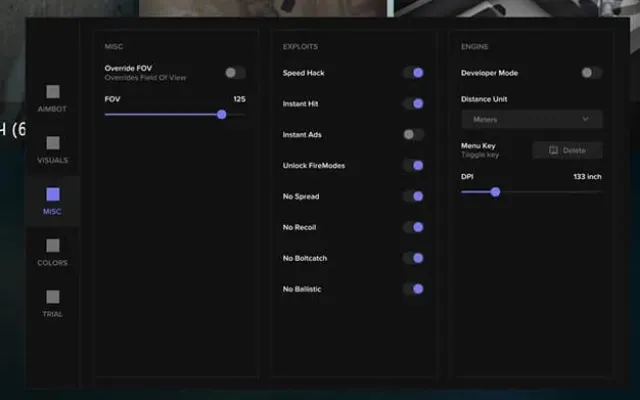
Перед покупкой: что значат статусы читов, как проверить системные требования, как купить чит. Смотрите также все читы для TUNDRA и все читы Mason.