Mason
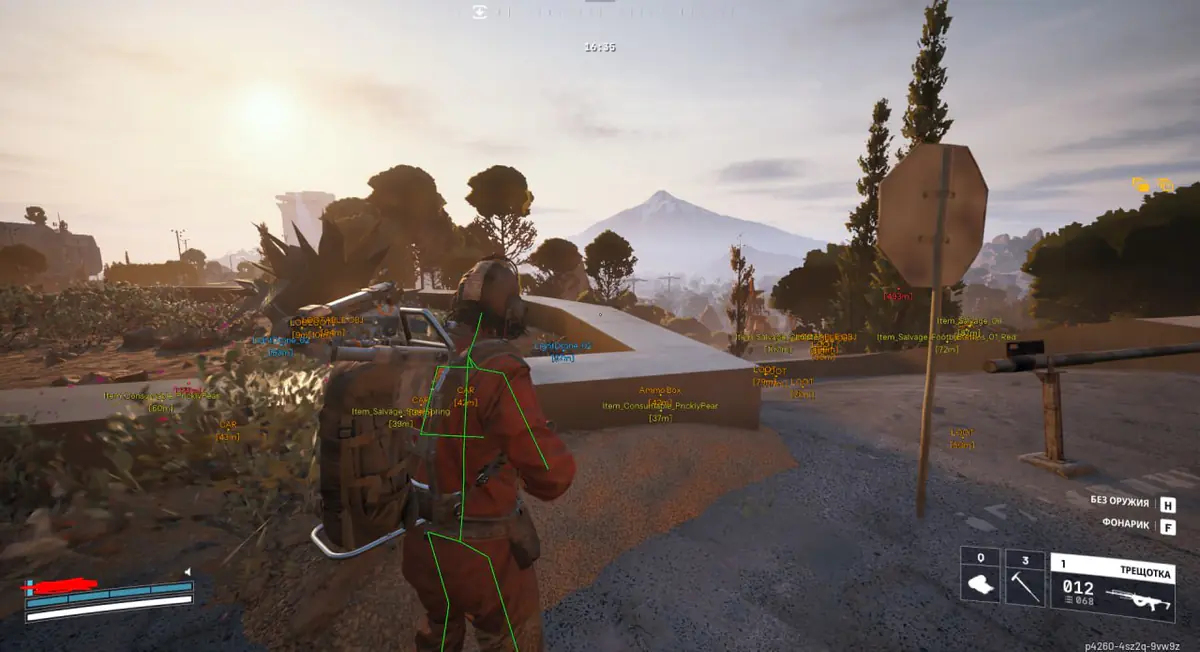
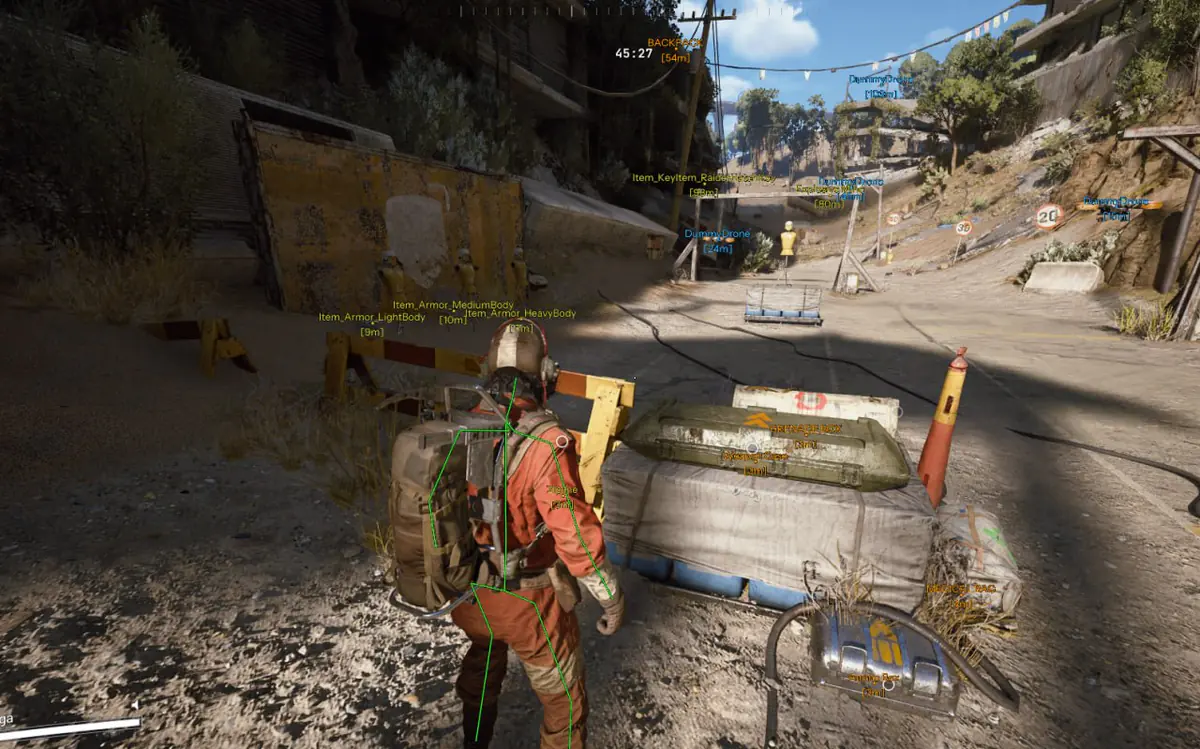
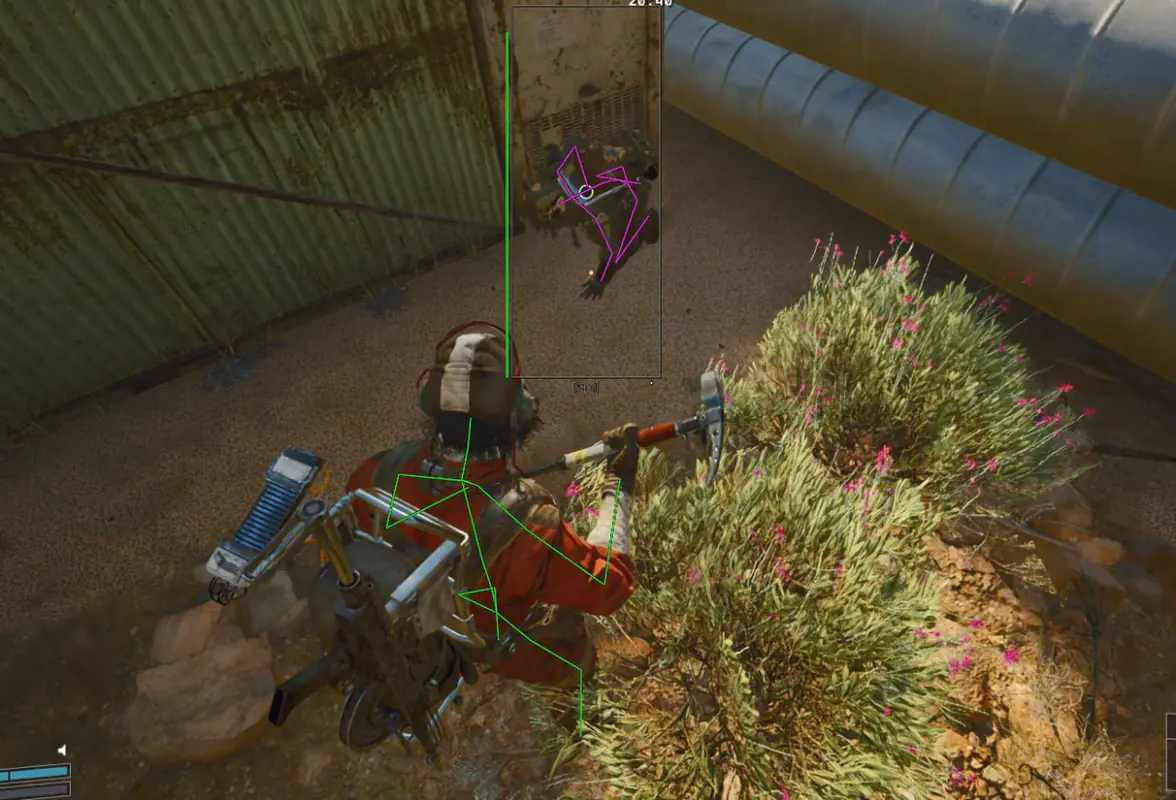
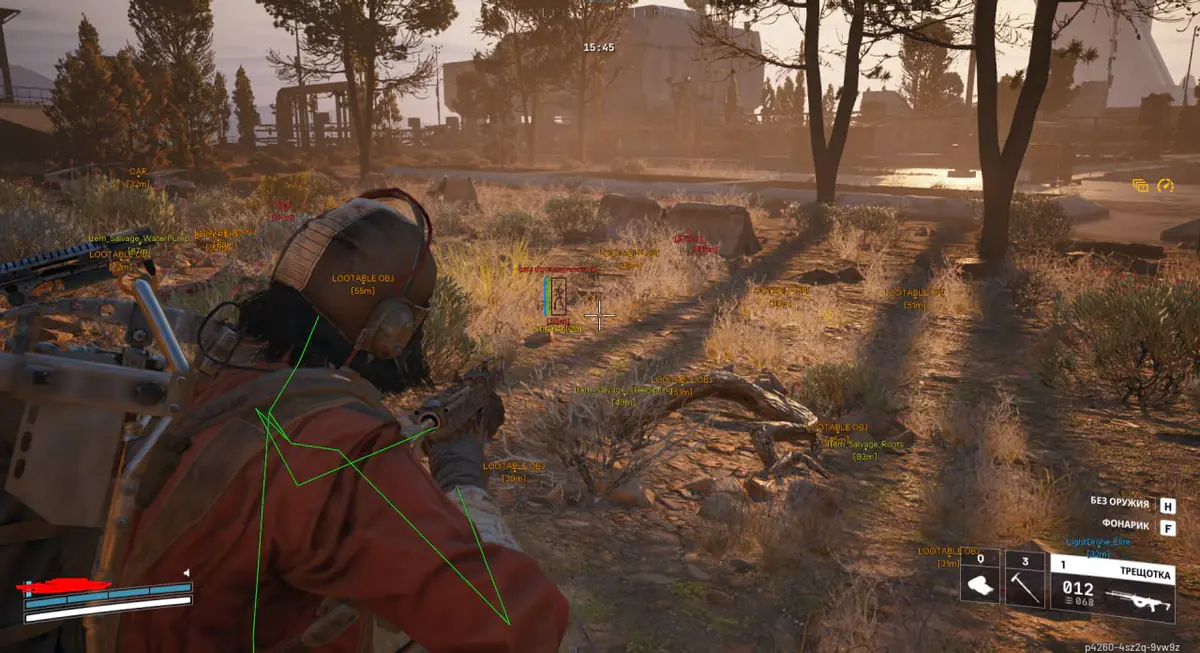
DESCRIPTION
VISUALS
Local Skeleton / Display the local player's skeleton
Enemy Box / Display a box around an opponent
Enemy Armor / Display the opponent's armour level
Enemy HP / Display the opponent's current health
Enemy Skeleton / Display the opponent's skeleton
Show Knocked / Display knocked-down opponents
Visible Check / Check opponent visibility
Enemy Weapon Name / Display the weapon used by an opponent
Enemy Ammo Count / Display ammunition remaining in an opponent's weapon magazine
AIMBOT (Automatic aiming)
Enabled / Enable Aimbot
Aim Key / Assign the Aimbot activation key
FOV / Set the Aimbot radius
Show FOV Circle / Display the Aimbot radius circle
Smooth / Set aiming smoothness
Hitbox Selection / Choose a target body part
Safe Preset / Aimbot settings described by the supplier as intended to reduce detection risk; the name is not a safety guarantee
Prediction / Predict target movement for more precise aiming
RCS / Set weapon recoil compensation strength
WORLD (World objects)
Items / Display items on the map
Drones / Display drones and hostile creatures
BATTLE MODE
Battle Mode Key / Assign the Battle Mode activation key
Hide Drones / Hide drones during combat
Hide Items / Hide items during combat
* The developer may change the product's features at any time. The catalogue aims to keep its information up to date.
SYSTEM REQUIREMENTS
VT-x / VT-d virtualization enabled / Hyper-V enabled / Secure Boot disabled
System disk partition format:
GPT
BIOS boot mode:
UEFI
Supported game version:
Steam
Supported window modes:
Windowed / Borderless fullscreen
Supported processors:
Intel and AMD
Supported operating systems:
Windows 10,11 (2004 / 20H2 / 21H1 / 21H2 / 22H2 / 23H2 / 24H2 / 25H2 / 26H1)