Blume

GAME: Fortnite
На обновлении
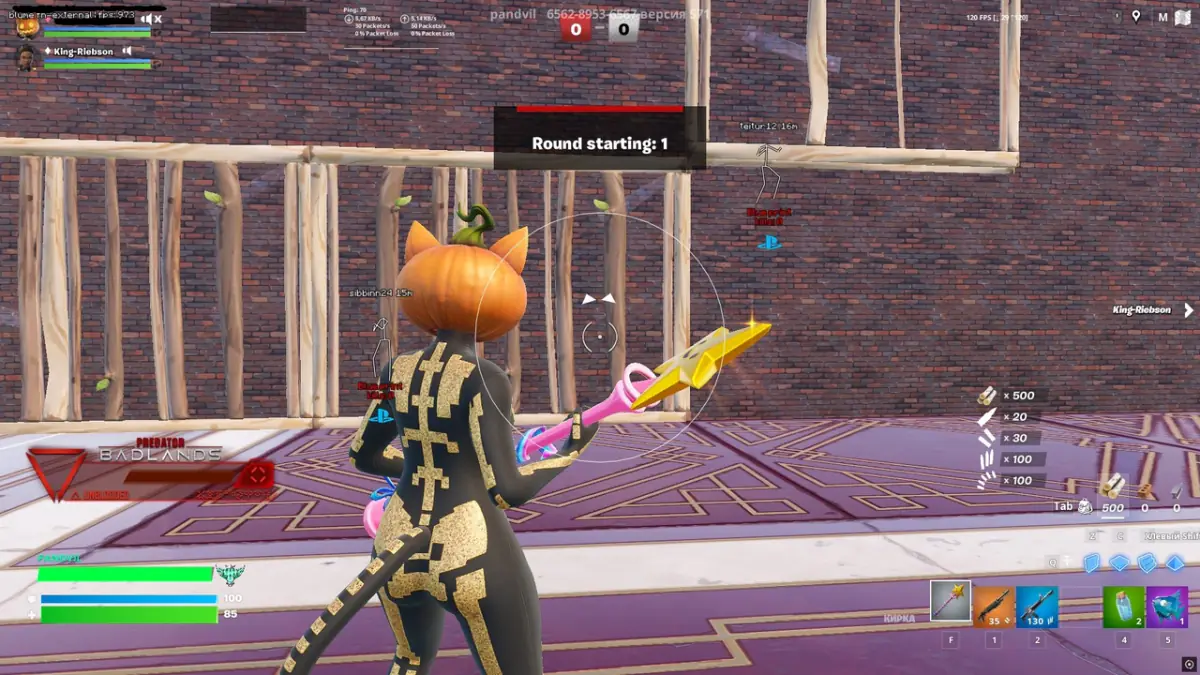
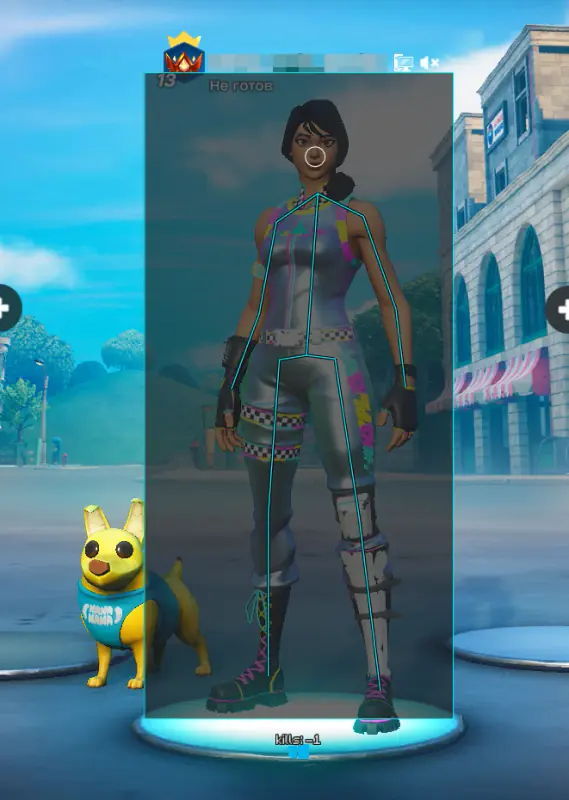
Blume для Fortnite — скриншот 1
Blume для Fortnite — скриншот 2
Blume для Fortnite — скриншот 3
Blume для Fortnite — скриншот 4
Blume для Fortnite — скриншот 5
Blume для Fortnite — скриншот 6

DESCRIPTION

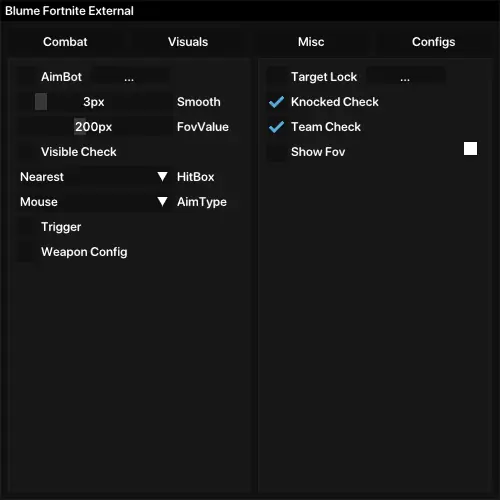
Aimbot

Aimbot — automatic aiming system with customizable parameters
Smooth — adjusts the aiming smoothness
FOV Value — defines the aimbot’s radius (0–500 units)
Visible Check — targets only visible enemies
Hitbox — choose target area (closest, head, body, arms, pelvis)
Aim Type — select aiming mode (Mouse or Memory)
Trigger — auto-fire when the target is visible
Weapon Config — individual Aimbot, Smooth, FOV, Visible Check, and Hitbox settings per weapon type
Aimbot Options

Target Lock — locks onto the current target
Knocked Check — disables aiming on downed players
Team Check — ignores teammates
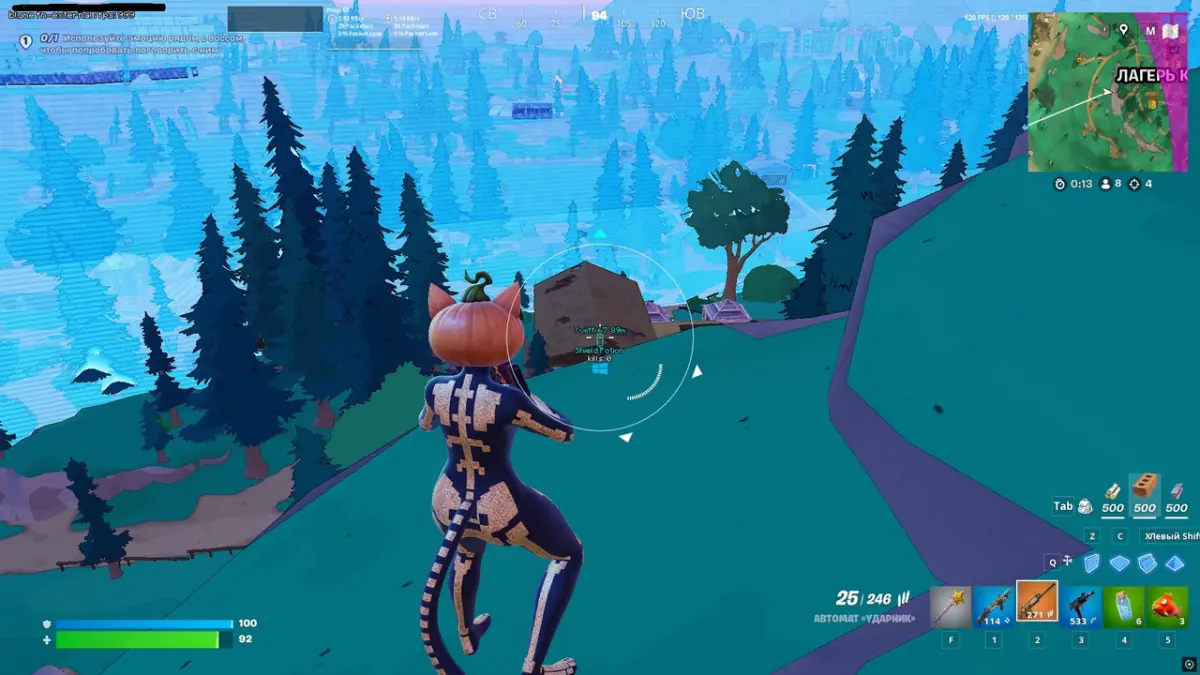
Show FOV — displays the aimbot’s active radius on screen
Visuals

Visible Colors — color scheme for visible and invisible targets
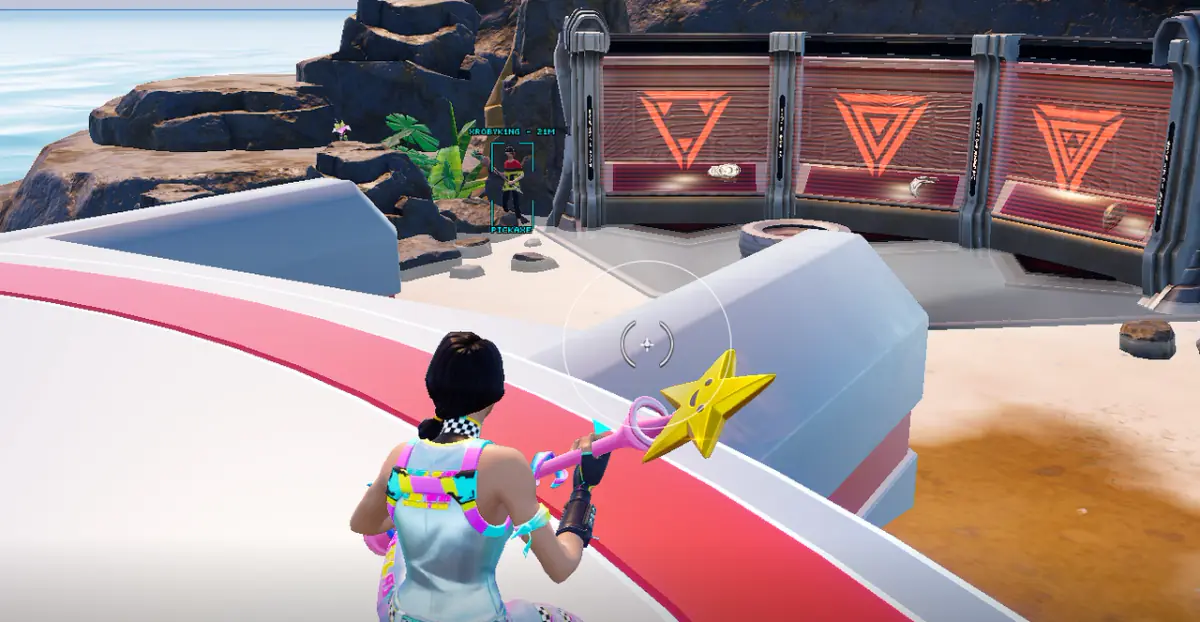
Box ESP — player boxes (none, normal, corner)
Fill Box — adds semi-transparent background to boxes
Box Thickness — adjusts box outline thickness
Box Round — enables corner rounding
Box Type — box style (default, outlined, cornered)
Name ESP — displays player names through walls
Weapon ESP — shows opponents’ weapons
Color by Tier — colors weapon quality by rarity
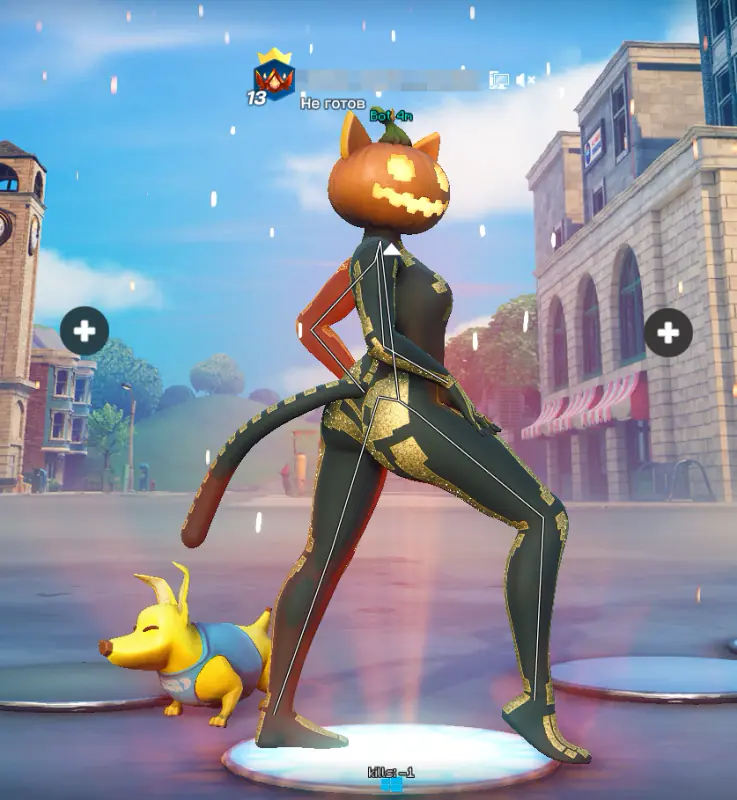
Skeleton ESP — shows player skeletons
Skeleton Thickness — sets skeleton line thickness
Outline — defines outline width for skeletons
NPC Color — color for NPCs and bots
Knocked Color — color for downed players
Team Color — color for teammates
Render Distance — sets the max distance for visual rendering
Other Visuals

Rank ESP — displays player rank
Platform ESP — shows player platform (Windows, PS, Xbox, iOS, Android)
Team ID ESP — displays team ID
Kills ESP — shows player kill count
Head Circle ESP — draws a circle above the player’s head
Team Check — disables visuals for teammates
Radar ESP — shows players on the mini-map
FOV Arrow ESP — indicates players outside of your FOV
Snaplines ESP — draws lines pointing toward players
Misc

Dropped Items ESP — displays dropped items
Llama ESP — shows supply llamas
Food Box ESP — highlights food boxes
Chest ESP — highlights chests
Other Miscs

Crosshair — customizable on-screen crosshair
Config

Font Type — selects interface font style
Font Size — adjusts font size
Overlay FPS — limits overlay frame rate
Options

Config — choose between six preset configs
Load Config — load selected configuration
Save Config — save current settings
Import from Clipboard — import settings from clipboard
Export to Clipboard — export current settings to clipboard
Unload — unload the DLC from the system
Menu Key — keybind to open the DLC menu

FEATURES

AimbotAimbot — automatic aiming system with customizable parametersSmooth — adjusts the aiming smoothnessFOV Value — defines the aimbot’s radius (0–500 units)Visible Check — targets only visible enemiesHitbox — choose target area (closest, head, body, arms, pelvis)Aim Type — select aiming mode (Mouse or Memory)Trigger — auto-fire when the target is visibleWeapon Config — individual Aimbot, Smooth, FOV, Visible Check, and Hitbox settings per weapon typeAimbot OptionsTarget Lock — locks onto the current targetKnocked Check — disables aiming on downed playersTeam Check — ignores teammatesShow FOV — displays the aimbot’s active radius on screenVisualsVisible Colors — color scheme for visible and invisible targetsBox ESP — player boxes (none, normal, corner)Fill Box — adds semi-transparent background to boxesBox Thickness — adjusts box outline thicknessBox Round — enables corner roundingBox Type — box style (default, outlined, cornered)Name ESP — displays player names through wallsWeapon ESP — shows opponents’ weaponsColor by Tier — colors weapon quality by raritySkeleton ESP — shows player skeletonsSkeleton Thickness — sets skeleton line thicknessOutline — defines outline width for skeletonsNPC Color — color for NPCs and botsKnocked Color — color for downed playersTeam Color — color for teammatesRender Distance — sets the max distance for visual renderingOther VisualsRank ESP — displays player rankPlatform ESP — shows player platform (Windows, PS, Xbox, iOS, Android)Team ID ESP — displays team IDKills ESP — shows player kill countHead Circle ESP — draws a circle above the player’s headTeam Check — disables visuals for teammatesRadar ESP — shows players on the mini-mapFOV Arrow ESP — indicates players outside of your FOVSnaplines ESP — draws lines pointing toward playersMiscDropped Items ESP — displays dropped itemsLlama ESP — shows supply llamasFood Box ESP — highlights food boxesChest ESP — highlights chestsOther MiscsCrosshair — customizable on-screen crosshairConfigFont Type — selects interface font styleFont Size — adjusts font sizeOverlay FPS — limits overlay frame rateOptionsConfig — choose between six preset configsLoad Config — load selected configurationSave Config — save current settingsImport from Clipboard — import settings from clipboardExport to Clipboard — export current settings to clipboardUnload — unload the DLC from the systemMenu Key — keybind to open the DLC menu

SYSTEM REQUIREMENTS

Additional requierements:
Need USB flash drive
Included spoofer:
No
Supported game modes:
Windowed, Borderless
Supported CPU:
Intel & AMD
Supported OC:
Windows 10/11x64 (2004 / 20H2 / 21H1 / 21H2 / 22H2 / 23H2)

CHECKOUT

TOTAL
350 ₽

??????

Please enter a valid email

You must agree to the policy to proceed

Creating payment...