MASON-Overwatch 2
ОПИСАНИЕ
Here is the translation of the feature list into English.
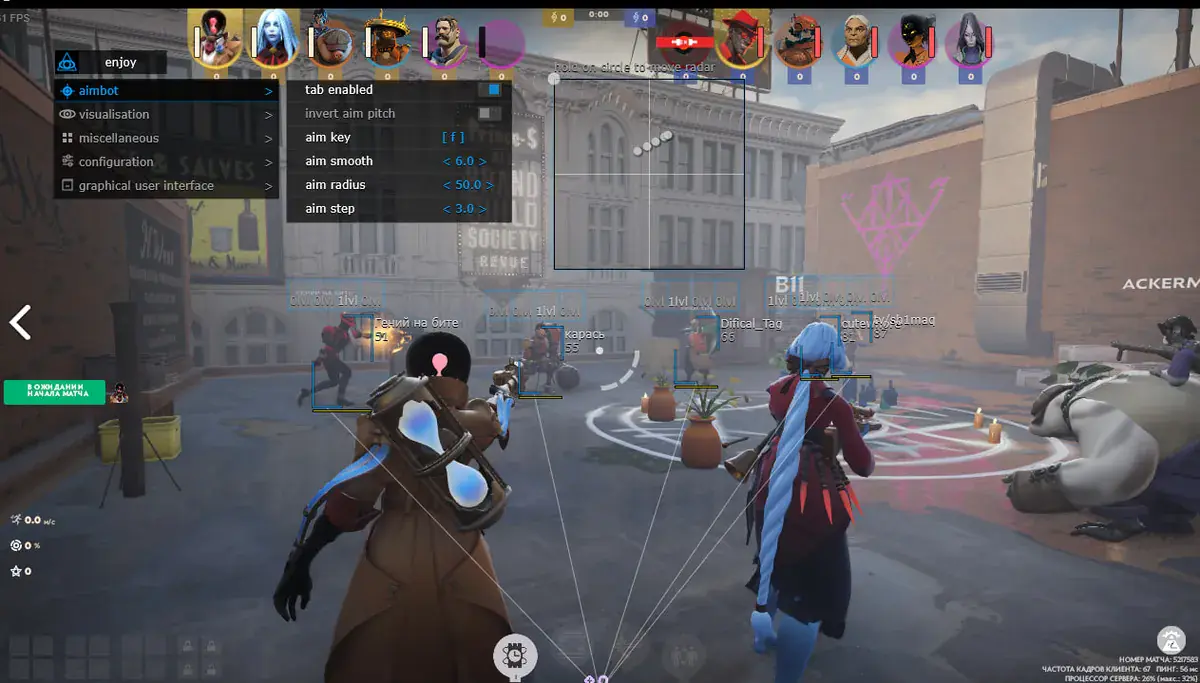
AIMBOT
Aimbot Vector: Enable Vector Aimbot
Aimbot FOV: Set Aimbot radius (Field of View)
Smooth: Set Aimbot smoothness
Sensitivity: Set Aimbot sensitivity (scales with in-game settings)
Aimbot Key: Set Aimbot activation key (must be held down; keys must be selected from a provided list)
Change Team: Switch target team
ESP
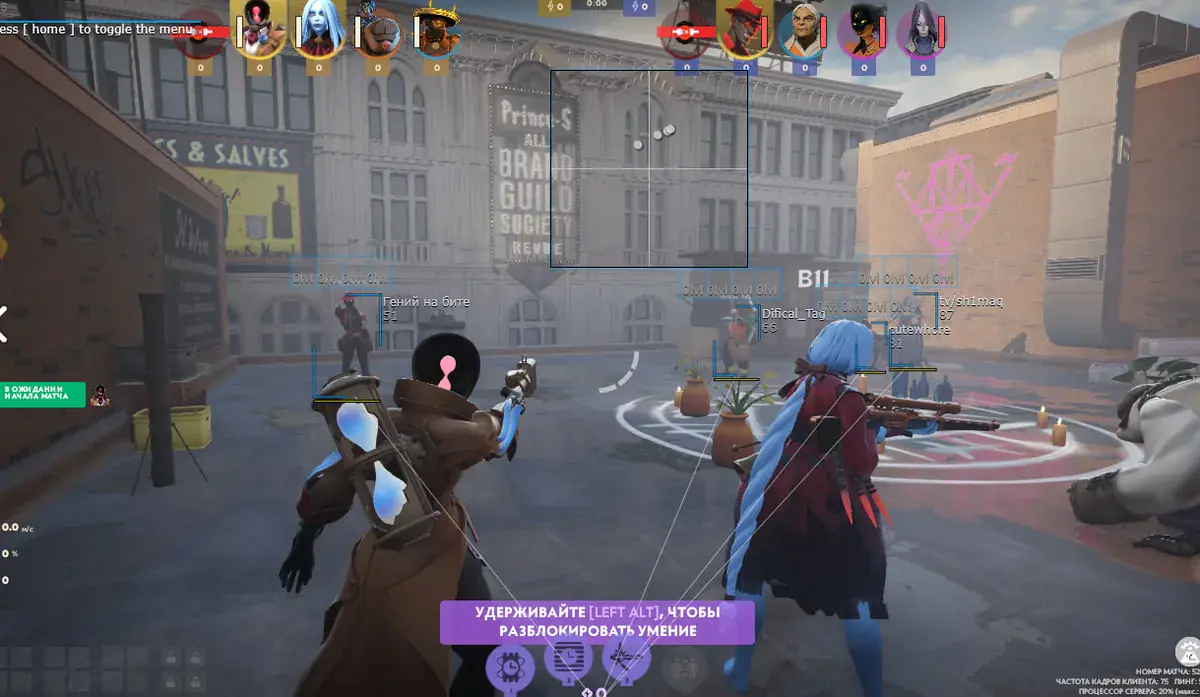
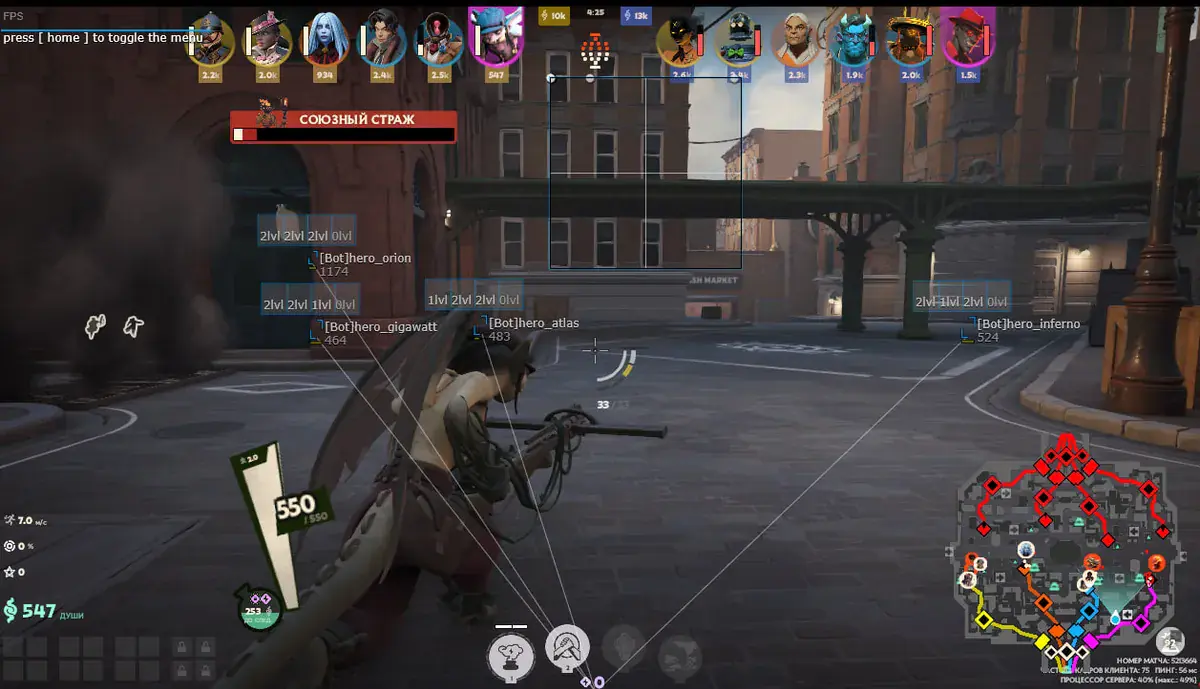
Draw ESP: Show 2D boxes on enemies
Draw FOV: Show Aimbot radius
Change Team: Switch ESP team display (Hotkeys: X)
2D Box ESP: Draws 2D box
3D Box ESP: Draws 3D box
Skeleton ESP: Show skeleton
Head Circle: Circle at player's head position
Foot Circle: Circle at player's feet position
Center Dot: Dot in the center of the player box
Visibility Dot: Dot indicator showing if player is visible
Corner Indicators: 4 markers at box corners for better boundary visualization
Direction Arrow: Arrow showing player view direction
Snap Lines: Lines from bottom of screen to player
Filled Box Background: Semi-transparent background inside the box
Box Outline Thickness: Adjust box line thickness
Box Border Style: Different border styles (Solid / Rounded)
Distance-based Size Scaling: Automatically resizes ESP elements based on distance
Distance-based Alpha: ESP opacity changes based on distance to target
Team Color Indicator: Different colors for enemies and allies
Distance Filter Slider: Set maximum render distance for targets
Program functionality may change at any time at the developer's discretion, though we always strive to keep information up to date.
ФУНКЦИИ
СИСТЕМНЫЕ ТРЕБОВАНИЯ
Только Steam
Встроенный спуфер:
Нет
Античит:
In-Game Anti-Cheat
Обход записи в ОБС:
Да
Поддерживаемые режимы игры:
Оконный / Безрамочный
Поддерживаемые процессоры:
Intel и AMD
Поддерживаемые системы:
Windows 10 x64 (2004, 20H2, 21H1, 21H2, 22H2) , Windows 11 x64