
RET9
On update
AIMBOT6
- Draw fov (draws the aimbot radius)
- Fov Color
- Aimbot key
- Aimbot mode (Hold / Toggle)
- Fov slider
- Smooth slider (aim smoothness)
VISUALS1
- Health bar (enemy health)
OTHER62
- RET9 — Counter-Strike 2 Product Feature List
- 1. AimBot (Legit, Rage, Trigger)
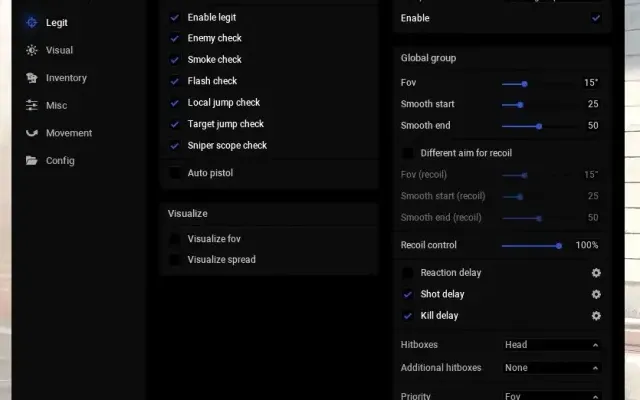
- LegitBot Section:
- Enable (turns the aimbot on)
- Only visible
- Hitbox (target bone: Head, Neck, Chest, etc.)
- Body-aim if lethal (automatically switches to the body when the target is low on HP)
- Dynamic fov
- Dynamic smooth
- 2. TriggerBot & Recoil System
- TriggerBot Section:
- Triggerbot (enables auto-fire)
- Triggerbot key
- Trigger Mode (Hold / Toggle)
- Reaction time (delay before shooting)
- Shot delay (delay between shots)
- Recoil System (recoil control):
- In development (Soon...)
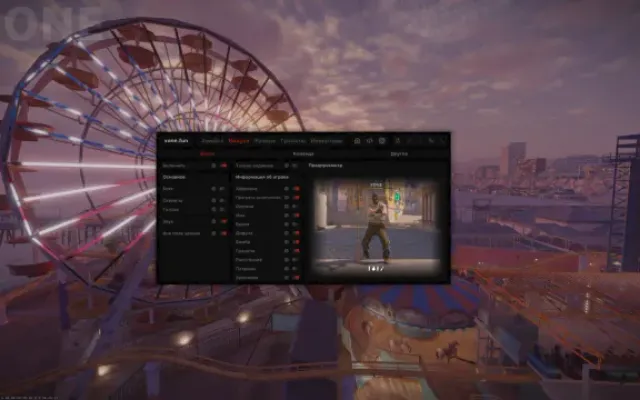
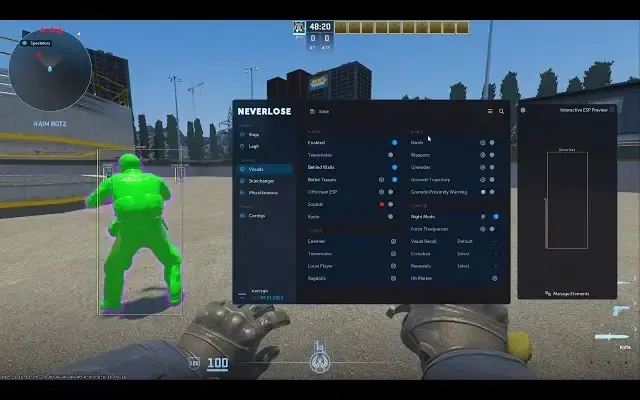
- 3. Visuals (Player, Team, Other)
- Player Section:
- Dormancy esp (shows players even if the server hasn't updated them in a while)
- Bounding box (boxes around enemies)
- Box Color
- Name (player nicknames)
- Name Color
- Name animation (animated nickname appearance/movement)
- Name anim color
- Name animation direction (Left to right, etc.)
- Team check (filters visuals on teammates)
- Custom color
- HealthBar Color
- Color type (Normal, etc.)
- AmmoBar Color
- Distance (to the player)
- 4. Misc (Player, LocalPlayer)
- Various helper features for the player and the local character.
- 5. Configs, Lua's (Save, Load, Editor)
- Global Section:
- Configs Area (config management):
- Config list (e.g., cs2S)
- Refresh configs
- Config Name field
- Create Config
- Remove Config
- Save Config
- Load Config
- Shared Key field
- Add Shared (add a config via share code)
- Copy Shared code (copy the current config's share code)
- Scripts Area (Lua script management):
- Refresh scripts
- Script list (In development / Soon...)
- Load Script
- Unload script
- OpenFolder (opens the scripts folder)
- Edit script (in the built-in editor)
- Other Section:
- Unload Cheat
- Unload + Clear Cheat (unload and fully remove all traces of the cheat)
- Settings Menu:
- Particles (toggle visual effects/particles in the menu)
- Menu Color (custom main UI color)
- The supplier has not listed exact system requirements.
- Before buying, confirm the compatibility of your Windows version, game version and launch method with support.
More Counter-Strike 2 cheats
All cheats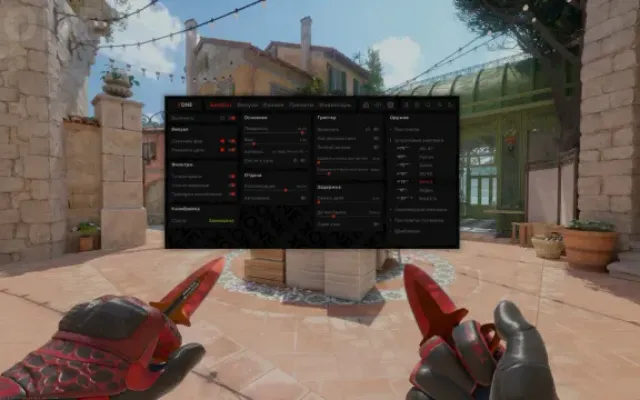
Before you buy: what cheat statuses mean, how to check system requirements, how to buy a cheat. See also all Counter-Strike 2 cheats and all RET9 cheats.