715 Team Web Radar
Player
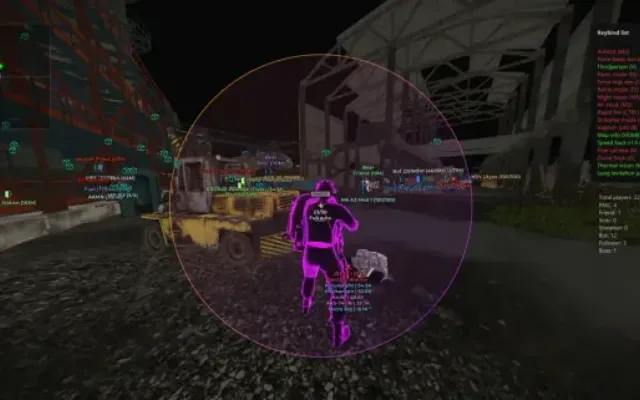
1. Enable Player - enable display of players
2. Player name - enable display of player names
3. Player icon size - customize icon size for players
4. Player Font Size - adjust font size for players
5. Team Icon Color - customize team icon color
6. Enemy Icon Color - customize enemy icon color
7. Bot Icon Color - customize bot icon color
8. Name Color - customize player text color
Corpse
1. Enable Corpse - enable display of dead
2. Enable Corpse name - enable display of dead names
3. Corpse icon size - adjust icon size for dead
4. Corpse Font Size - adjust font size for dead
5. Corpse Icon Color - customize corpse icon color
Loot
1. Enable Item - enable loot display
2. Enable Item Name - enable display of loot name
3. Item icon size - adjust loot icon size
4. Item Font Size - adjust font size for loot
5. Enable Container - enable display of containers
6. Enable Container Name - enable display of container names
7. Container icon size - adjust icon size for containers
8. Container Font Size - adjust font size for containers
9. Item Icon Color - customize item icon color
10. Container Icon Color - customize container icon color
Loot Filter
1. Item Loot Filter - enable loot filter by items
2. Item Price Filter - enable loot filter by price
3. Select Item - select the desired items to display
4. Select price - set the price from which the loot will be displayed
Exfil
1. Enable Exfil - enable display of exfil
2. Enable Exfil Name - enable display of exfil name
3. Exfil icon size - adjust exfil icon size
4. Exfil Font Size - adjust font size for exfil
5. Exfil Icon Color - customize exfil icon color
Quests
1. Enable Qeust - enable display of quest assistant
2. Quest Info Window - display a window with full information about the tasks for the active quest
3. Enable Marker - enable marker display
4. Enable Marker Name - enable display of marker names
5. Hide Complete Marker - hide to show markers for completed tasks
6. Marker Font Size - adjust font size for markers
7. Marker Icon Size - adjust icon size for markers
8. Marker Icon Color - customize marker icon color
OTHER3
- All functions in the description
- Select map
- Save Settings - save menu settings
- Required disk format for the cheat to work
- Supports GPT only (MBR does not work!)
- Built-in spoofer
- No
- Anti-cheat
- BATTLEYE
- OBS stream-proof
- Yes
- Supported window modes
- Windowed, Borderless, Fullscreen
- Supported processors
- Intel and AMD
- Supported systems
- Windows 10 PRO
More Escape From Tarkov cheats
All cheats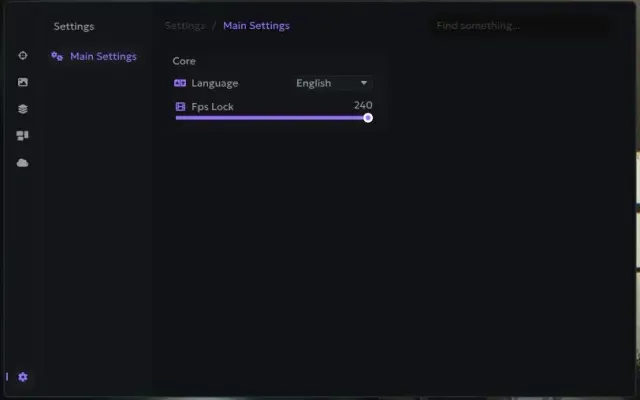
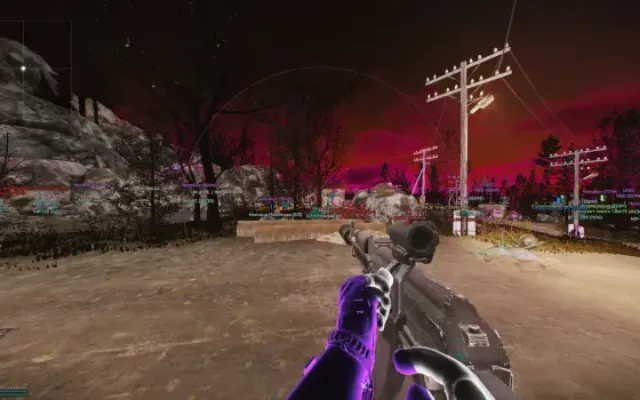
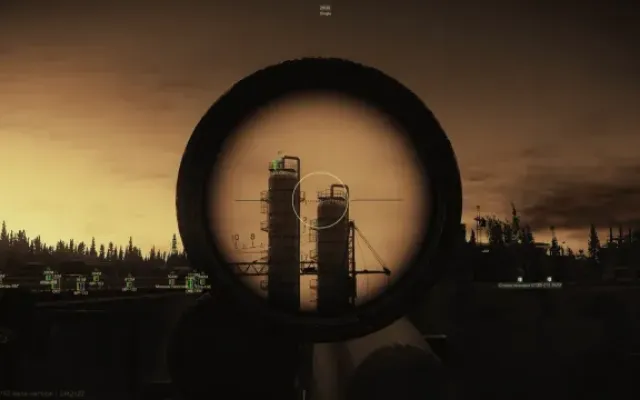
Before you buy: what cheat statuses mean, how to check system requirements, how to buy a cheat. See also all Escape From Tarkov cheats and all 715 Team cheats.