
Spoofer PUBG Crooked Arm's
Undetected
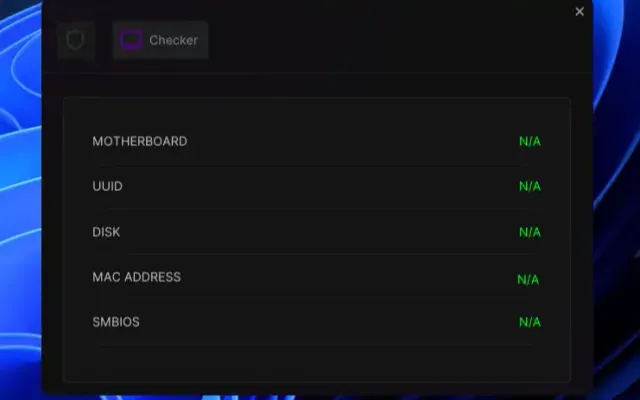
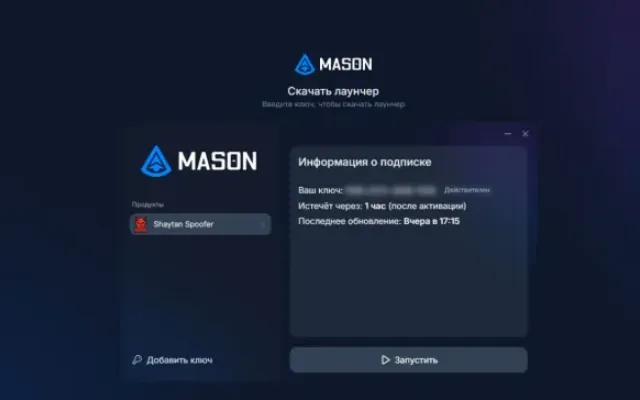
If you use Spoofer and a cheat simultaneously, first launch the cheat, then launch Spoofer (a PC restart is required).
The hardware ban is removed until the PC restarts; after the restart, the PC's initial settings are restored.
Spoofer remains active until the PC restarts.
Spoofer does not remove the ban from an account; it removes the ban from your PC for the duration of Spoofer.
Spoofer functionality is guaranteed provided the account has not been previously banned. Therefore, we strongly recommend creating a new account.
MANDATORY!!!!
OTHER5
- Spoofer
- Before using the spoofer on a new account, be sure to do the following:
- Create a new Windows user
- Change your PC's name in the system settings
- Perform a network reset under the new user (if you are still getting banned)
- Processors
- Intel / AMD
- OS
- Windows 10 & 11 (x64)
- Supported Builds
- 1903, 1909, 2004, 20H2, 21H1, 21H2, 22H2, 23H2, 24H2, 25H2
- Additional Information
- Supported Games
- PUBG
- BIOS Requirements
- Virtualization must be enabled (SVM / VT-x / VT-d)
- Spoofer Compatibility
- Functionality is not guaranteed when used with other software

More Spoofer cheats
All cheats
Before you buy: what cheat statuses mean, how to check system requirements, how to buy a cheat, HWID bans and spoofers. See also all Spoofer cheats and all Crooked Arm's cheats.